Online shopping is convenient, fast, and part of everyday life. But with every click, we share personal information, and that can make us targets for fraud. Unsafe shops, fake websites, or careless payments can quickly become costly. In this article, you will learn how to protect yourself effectively from data misuse, what to watch for when paying, and which safety rules everyone should know.
Table of Contents:
Why data protection is so important in online shopping
When shopping online, you share a lot of personal information: name, address, phone number, and payment details. If this information falls into the wrong hands, it can lead to identity theft, unauthorized charges, or spam attacks. Shops without SSL encryption or providers that sell data to third parties are particularly risky. Handling your information carefully is the best way to avoid financial or digital damage.
Experience secure online shopping at kaufes.ch, where data protection, trust, and fair offers come first.
Common security risks and how to spot them

- Fake online shops: They look real but exist only to steal your data. Always check the legal notice and the domain.
- Phishing emails: Messages with fake invoices or login requests are widespread. Never click links; open the page manually in the browser.
- Unsafe networks: Avoid online shopping over public Wi-Fi; data can be easily intercepted.
- Deals that are too good: Extremely low prices are often a sign of fraud or data-collection sites.
Essential rules for safe online shopping
- Buy only on HTTPS sites: The small lock symbol in your browser shows that the connection is encrypted.
- Trust your instincts: Unprofessional design, spelling errors, or missing contact information are warning signs.
- Do not share unnecessary information: If a shop asks for your date of birth or ID number, proceed with caution.
- Change passwords regularly: Use strong, unique passwords for each shop, ideally with a password manager.
- Do not store payment information: Even reliable shops can be hacked. Enter payment details for each purchase instead.
Secure payment methods and what to watch for
Choose payment methods that include buyer protection. Card payments, PayPal, or Twint are safer than advance payment or bank transfer. These services allow refunds if the seller does not deliver or commits fraud. Also, check if the provider offers two-factor authentication, such as an additional security code via SMS or app.
Tip: If you shop online frequently, create a separate email address and a dedicated account for online shopping. This separates sensitive information and reduces the risk in case of a data breach.
Shop with confidence kaufes.ch, the Swiss platform where your data is secure and fair trade is guaranteed.
Checklist: Protect your data in 5 minutes
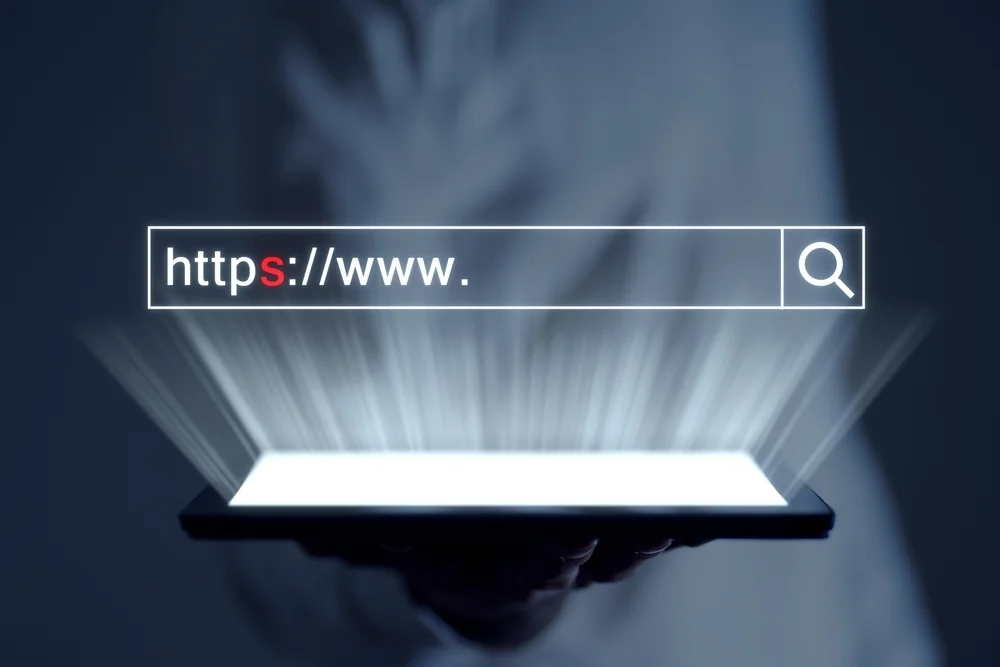
✅Only make purchases on HTTPS sites.
✅Do not enter personal data on unsecure sites.
✅Change your passwords regularly.
✅ Change passwords regularly
✅Never save payment details
✅Always check emails with attachments or links with suspicion
These simple steps significantly reduce your risk and make online shopping as safe as it should be.
Tip:
You might also be interested in:
Safe shopping starts with trust, and you can find that on kaufes.ch.
Online shopping is no longer just about finding good prices; safety is the main concern. On kaufes.ch, you can browse, buy, and sell without worry; data protection and trust come first. All sellers are verified, communication is direct and transparent, and your personal information remains protected.
No risk, no hidden fees, no unreliable sellers, just real Swiss online trading as it should be: safe, honest, and fair.
👉Experience secure online shopping now at kaufes.ch, the Swiss platform you can trust with your data and your confidence.
Conclusion:
Data protection is not complicated; it is a matter of habit. Those who shop carefully, use secure payment methods, and share data sparingly protect themselves from fraud and misuse. Small changes like a stronger password or checking a website address can make the difference between a safe purchase and a costly mistake.
FAQs:
1. What should I do if I suspect my payment information has been misused?
Immediately block your card or account by contacting your bank or payment provider. Explain that you suspect data misuse. Many providers, such as PayPal or card companies, offer buyer protection and can reverse unauthorized charges. Then change all affected passwords and check recent online purchases. Delete suspicious emails or messages, and do not open any links or attachments.
2. How can I tell if an online shop is trustworthy?
A reliable shop provides a full legal notice with address, phone number, and valid email. Also, check customer reviews and look for an SSL certificate (lock symbol in the browser bar). Missing information or poorly translated pages is a warning. Another test: search the shop name on Google with terms like “reviews” or “fraud” to see if other customers reported problems.
3. How can I protect myself from phishing emails claiming to be from well-known shops?
Phishing emails often look real but contain fake links. The most important rule: never click links directly. If unsure, open the shop manually in your browser. Check the sender’s email address; genuine companies do not use free email domains like @gmail.com or @outlook.com. Spelling mistakes, pressure (“Your account will be locked”), or attachments are typical warning signs.
4. Is it really risky to store bank card information in online shops?
Yes, it can be. Even reputable shops can be hacked, and stored payment details are often targeted. It is safest not to store your payment information permanently. For regular purchases, use services like PayPal or Twint; they transmit data securely and provide additional protection without needing to re-enter card details every time.
5. How often should I change passwords if I shop online frequently?
At least every three to six months, or immediately if you notice suspicious activity. Use a unique password for each shop and avoid simple combinations like “123456” or “Password1.” A password manager can help generate and store strong passwords. Ideally, a password should be at least 12 characters and include letters, numbers, and symbols.
6. What is the safest way to pay online without giving too much personal information?
The safest way is to use payment services with buyer protection, such as PayPal, cards with 3D-Secure, or Twint. These methods protect your data and allow refunds if something goes wrong. Avoid direct bank transfers or cryptocurrencies; they offer no protection in case of fraud. If you shop frequently, consider a separate bank account dedicated to online purchases to protect your main accounts.
You might also be interested in:
Swiss Shipping Tips for Sellers
Black Friday & Cyber Monday Success Guide for Online Sellers